Introduction
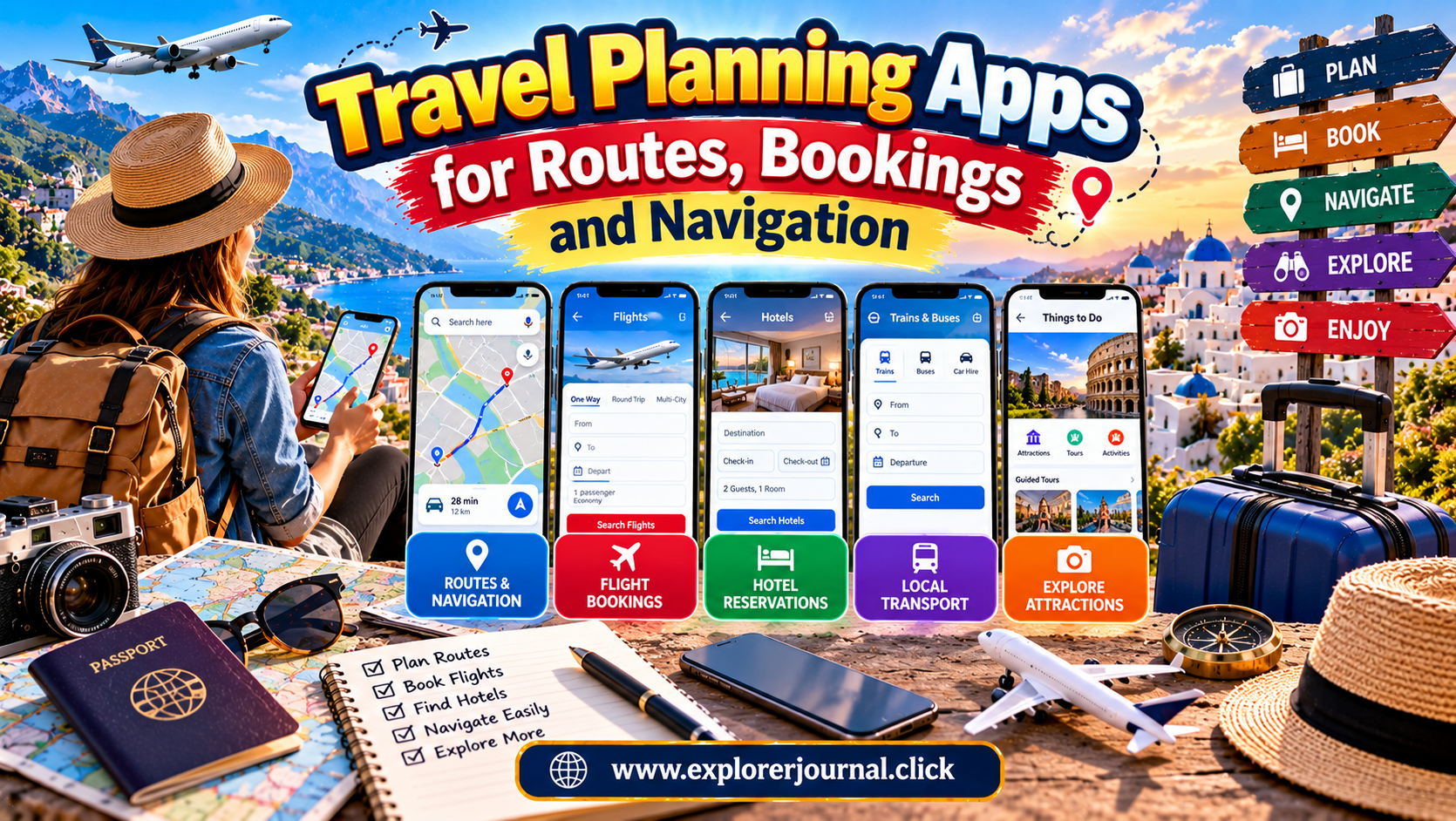
Planning a successful trip involves more than choosing a destination and packing a suitcase. Travelers must compare transportation options, reserve accommodation, organize daily activities, navigate unfamiliar streets, and manage booking confirmations. Handling all these responsibilities separately can become confusing, especially when visiting multiple destinations or traveling internationally. Travel planning apps simplify these tasks by bringing essential information together on a smartphone.
From route planners and flight comparison platforms to hotel booking services and offline navigation tools, digital travel applications help people organize journeys more efficiently. Some apps focus on finding affordable transportation, while others provide detailed maps, reservation management, translation, and itinerary creation. Choosing the right combination can save time, reduce unnecessary expenses, and make traveling more comfortable.
However, no single application meets every travel requirement. The best tools depend on your destination, budget, preferred transportation, internet availability, and personal planning style. Understanding the features of popular travel planning apps helps you select practical options for everything from weekend getaways to extended international adventures.
1. Google Maps for Navigation and Local Discovery
Google Maps is one of the most useful applications for travelers exploring unfamiliar destinations. It provides directions for driving, walking, cycling, and public transportation in many locations. Users can also discover nearby restaurants, attractions, shops, accommodation, and essential services.
Before leaving your accommodation, you can compare different routes and estimate journey times. Public transportation information may include departure schedules, connections, and walking distances, depending on local data availability.
Another useful feature is offline mapping. Travelers can download supported map areas before departure and access basic navigation when an internet connection is unavailable. However, offline functionality has limitations, and some features require connectivity.
Google Maps also allows users to save places for future visits. Creating a personalized list of restaurants, museums, viewpoints, and hotels helps organize sightseeing plans.
For the best experience, verify opening hours and transportation information when possible because local conditions and schedules can change.
2. Google Flights for Comparing Airfares
Google Flights helps travelers compare available flight options across different airlines and dates. Its search interface makes it easier to examine departure times, journey durations, connections, and prices before choosing a suitable itinerary.
Flexible-date features can reveal how fares vary across nearby departure and return dates. This is particularly useful when your schedule allows you to travel outside busy periods.
Travelers can also explore different destinations from a departure airport and monitor selected routes through available price-tracking features. Notifications can help identify changes, although a lower fare is never guaranteed.
After finding a suitable flight, compare the displayed itinerary with the airline’s official website. Check baggage allowances, cancellation rules, seat-selection charges, and the final payable amount.
Google Flights is primarily a comparison and discovery tool rather than a universal booking service. Actual reservations are completed through airlines or participating booking providers.
3. Skyscanner for Flexible Flight Searches
Skyscanner is a travel search platform that helps users compare flights, accommodation, and rental cars. Its flexible search options are useful for travelers who have not finalized every detail of their trip.
Users can explore fares for different dates and, where available, search broadly across destinations. These features help identify alternatives when the original destination or travel period appears expensive.
Skyscanner can be especially helpful when comparing airlines serving international routes. However, results may lead to third-party booking providers with different customer service arrangements.
Before purchasing, review the provider’s reputation, payment conditions, baggage rules, and cancellation policies. Confirm that passenger names and travel dates are correct before completing payment.
Comparing results with airline websites can provide additional clarity about the final price and the support available if travel plans change.
4. Booking.com for Accommodation Reservations
Booking.com helps travelers compare hotels, apartments, guesthouses, hostels, and other accommodation types. Users can filter properties by price, location, facilities, guest ratings, and cancellation conditions.
Location filters are particularly valuable when deciding where to stay. A hotel near a train station or metro line may reduce transportation expenses, while a property outside the busiest tourist district may provide better value.
Read recent reviews carefully instead of relying only on photographs. Pay attention to repeated comments about cleanliness, noise, staff behavior, and the accuracy of room descriptions.
Before confirming a reservation, examine the total price, taxes, payment schedule, and cancellation terms. Some properties offer flexible bookings, while others require payment under stricter conditions.
Save the confirmation details and contact the accommodation directly if you need to clarify important arrangements, such as late arrival or airport transfers.
5. Airbnb for Alternative Accommodation
Airbnb provides access to vacation rentals, private rooms, and other accommodation options in participating destinations. It can be useful for travelers who prefer additional space, cooking facilities, or a residential setting.
Families and groups may find that a suitable apartment offers better overall value than booking several hotel rooms. Kitchen facilities can also help reduce food expenses during longer stays.
However, travelers should compare the full cost rather than focusing only on the advertised nightly rate. Cleaning charges, service fees, local taxes, and minimum-stay requirements can influence the final price.
Read the property description and recent reviews carefully. Check the location, check-in instructions, house rules, and cancellation policy before booking.
Choose accommodation that suits your needs and verify that the listing provides clear information about access, facilities, and any additional responsibilities expected from guests.
6. Rome2Rio for Exploring Transportation Routes
Rome2Rio helps travelers discover possible ways to travel between cities and regions. It can present combinations involving trains, buses, flights, ferries, and driving, depending on the route.
This is especially useful when planning journeys across countries or exploring destinations with limited direct transportation. Instead of researching every possibility separately, travelers can begin with a broad overview of available connections.
For example, a journey between two European cities might involve a direct train, an intercity bus, or a flight with airport transfers. Comparing these alternatives helps identify which option best matches your budget and schedule.
Route estimates should be treated as starting points rather than guaranteed prices or confirmed departures. Verify timetables, ticket availability, transfer arrangements, and fares with the relevant transportation provider before booking.
7. TripIt for Organizing Travel Reservations
TripIt helps travelers organize confirmation details into a structured itinerary. Depending on the information provided and available integrations, it can bring flight, hotel, rental car, and activity details together in one place.
This can be particularly useful for multi-city trips involving several reservations. Instead of searching through numerous email messages, travelers can consult a consolidated schedule.
An organized itinerary helps you review departure times, accommodation addresses, and booking references. Certain features depend on the subscription level and the information supplied.
Before departure, check that all important reservations appear correctly in the itinerary. Keep access to original confirmation emails as a backup, particularly for bookings requiring identification or payment verification.
A dedicated itinerary organizer can reduce confusion when plans involve several transportation providers and accommodation changes.
8. Wanderlog for Building Travel Itineraries
Wanderlog is a trip-planning application designed to help travelers organize destinations, activities, and daily schedules. It is useful for creating an itinerary before departure and adjusting plans during the journey.
Travelers can group attractions by location, add notes, and organize stops for road trips or city breaks. This makes it easier to identify activities that can be completed on the same day without unnecessary travel.
Planning with a map can also reveal whether accommodation is conveniently located near the places you want to visit.
Some features, including collaboration and advanced planning tools, may depend on the available version or subscription.
Avoid filling every day with too many activities. Leave time for meals, rest, transportation delays, and unexpected discoveries. A flexible itinerary provides structure without making the holiday feel rushed.
9. Citymapper for Urban Public Transportation
Citymapper is designed to help people navigate public transportation in supported cities. Depending on local coverage, it can compare routes involving buses, trains, metro systems, walking, cycling, and other transport options.
For travelers visiting large cities, this can simplify journeys between airports, hotels, museums, shopping areas, and restaurants.
The application may provide information about connections, walking distances, and estimated journey times. Availability and the accuracy of live updates vary by location.
Before relying on it, confirm that your destination is supported and check important travel information with local transportation authorities when necessary.
Citymapper is particularly valuable when you want to understand local transit options without learning every route before arrival. Combining it with an offline map can provide additional flexibility when connectivity becomes unreliable.
10. Maps.me for Offline Navigation
Maps.me is known for offline mapping and navigation capabilities in supported regions. It can be useful for travelers exploring areas where mobile data is expensive, unreliable, or unavailable.
Downloading maps before departure allows users to access selected geographic information without maintaining a continuous internet connection.
Offline navigation can be helpful during road trips, countryside visits, and walking excursions. However, travelers should check map coverage and update downloaded information before leaving.
Offline maps do not replace reliable preparation for remote journeys. Trail conditions, road closures, restricted areas, and emergency information may change, so current local advice remains important.
For challenging hikes or isolated destinations, carry suitable equipment and consider additional navigation methods. Downloaded maps are most effective when used as one part of a broader safety plan.
11. Google Translate for Communication
Google Translate helps travelers understand unfamiliar languages through typed translations and supported camera, voice, and conversation features.
It can be useful for reading menus, understanding basic signs, asking simple questions, and communicating essential information. Downloading supported language packs may allow certain translation functions to work offline.
Translation applications are valuable tools, but their results are not always accurate. Important legal, medical, or safety-related information should be confirmed with a qualified person whenever possible.
Learn a few local expressions before departure, including greetings, thank you, and requests for assistance. Combining basic language knowledge with translation technology can make interactions more respectful and comfortable.
12. XE Currency for Managing Travel Expenses
XE Currency helps travelers check exchange rates and understand the approximate value of money in different currencies.
It is useful when comparing hotel prices, restaurant bills, transportation fares, and shopping expenses abroad. Understanding conversion rates makes it easier to maintain a realistic travel budget.
Remember that displayed exchange rates may differ from the rates offered by banks, card providers, and currency exchange services. Transaction fees and conversion charges can increase the final cost.
Before traveling, check international payment fees and keep track of significant expenses. Use reputable exchange services and review payment terminals carefully when asked to choose between local currency and your home currency.
A currency application improves awareness, but the amount ultimately charged depends on the provider and applicable fees.
13. How to Choose the Right Travel Apps
Choosing travel applications begins with identifying the tasks you need help managing. A short city break may require only a map, a hotel booking service, and a public transportation planner. A multi-country journey may benefit from flight comparison, route planning, currency conversion, and itinerary organization tools.
Avoid installing numerous applications that perform nearly identical functions. Too many tools can create confusion and consume valuable phone storage.
Review privacy settings and permissions before granting access to location, contacts, photographs, or other personal information. Download applications from official app stores and check their recent reviews.
Consider offline availability, subscription costs, ease of use, and destination coverage. The best combination is one that solves your actual travel problems without unnecessary complexity.
14. Prepare Your Apps Before Departure
Install and test essential travel applications before leaving home. Sign in to your accounts, verify booking details, and download offline maps where supported.
Save accommodation addresses, transportation confirmations, and emergency contacts. Keep important documents accessible even when your internet connection is unavailable.
Charge your phone and carry a suitable power bank when permitted by airline rules. Consider a local SIM card, compatible eSIM, or roaming plan if you expect to need mobile data.
Protect your device with a secure screen lock and avoid accessing sensitive information through unfamiliar public Wi-Fi networks.
Finally, maintain a backup of critical reservations outside your primary device. Screenshots, printed confirmations, or secure document copies can help when your phone is lost, damaged, or unable to connect.
Conclusion
Travel planning apps have transformed how people organize journeys, compare prices, reserve accommodation, and navigate unfamiliar places. Tools such as Google Maps, Google Flights, Skyscanner, Booking.com, Rome2Rio, TripIt, and Wanderlog address different parts of the travel experience.
The most effective approach is to select a small collection of reliable applications that match your destination and travel style. Use comparison platforms to research options, official providers to confirm bookings, and navigation tools to move around efficiently.
Prepare essential information before departure, check reservation conditions carefully, and maintain offline backups for important details. Technology can make travel planning more convenient, but sensible preparation and flexible decision-making remain equally important.
With the right combination of travel applications, you can spend less time managing logistics and more time enjoying the destinations, experiences, and discoveries that make every journey worthwhile.